Running service
How to train staff on a new ordering board in one shift
A 30-minute pre-shift script for teaching servers and cooks a new QR ordering board: who confirms, what the colours mean, the exceptions and the allergy rule.

WaiterPilot Operations
Updated , 7 min read
The short answer
Teach it by doing, in one 30-minute pre-shift: every person scans a test table, orders, and follows the order across the board, kitchen and floor screens. Then practise the exceptions (reject, out of stock, cancel), the waiter call and check, and the allergy rule. Give each role one screen and three jobs, and repeat the short version for anyone who joins later.
Key points
- In 2025, 4.2% of US accommodation and food service workers quit each month, about twice the private-sector rate, so training has to be repeatable, not a one-off (BLS JOLTS).
- 52% of US waitstaff are under 25 (NRA analysis of Census data, 2026), and many are in their first restaurant job.
- Train with phones in hand: each person places and follows a real test order before service.
- Each role needs one screen and three jobs: the confirmer, the kitchen, the floor and the manager.
- The rules that matter most are the first-order check, closing tables and the allergy rule; spend the most time on those.
On this page
You can train staff on a new ordering board in one shift by teaching it the way they’ll use it: phones in hand, one real test order, followed across every screen. A 30-minute pre-shift is enough to cover the order flow, the exceptions (reject, out of stock, cancel), waiter calls and the check, and the allergy rule. Give each role one screen and three jobs. Then keep a 10-minute version for whoever joins next week, because someone will.
Below: why the training has to be short and repeatable, what each role needs to know, the minute-by-minute script, the lines staff can use with guests, and how to check the training worked.
Why train in one shift, not one week?
Short answer: your team changes too often for long training to stick.
In 2025, an average of 4.2% of US accommodation and food service workers quit every month, against 2.2% across all private industry (BLS JOLTS, 2025). And restaurant teams are young: 40% of restaurant and foodservice employees are under 25, against 13% of the whole workforce, and 52% of waitstaff are under 25 (NRA, 2026, using Census data). For many, this is a first restaurant job.
Two conclusions follow. Training has to fit in a pre-shift, so a shift lead can repeat it for next month’s new hire. And it has to be hands-on, because people who are new to the job are learning the restaurant and the board at the same time. Don’t assume anyone knows the board because they’re young and use phones all day. The board is easy. What takes teaching is your restaurant’s rules: who confirms, when to go to the table, when to close it.
The same NRA brief found 30% of restaurant and foodservice employees speak a language other than English at home, and 39% of cooks do. Show, don’t lecture: a screen everyone can see beats a manual in one language. Kitchen tickets show dish names as written on your menu, so cooks see the names they already know.
What does each person need to know?
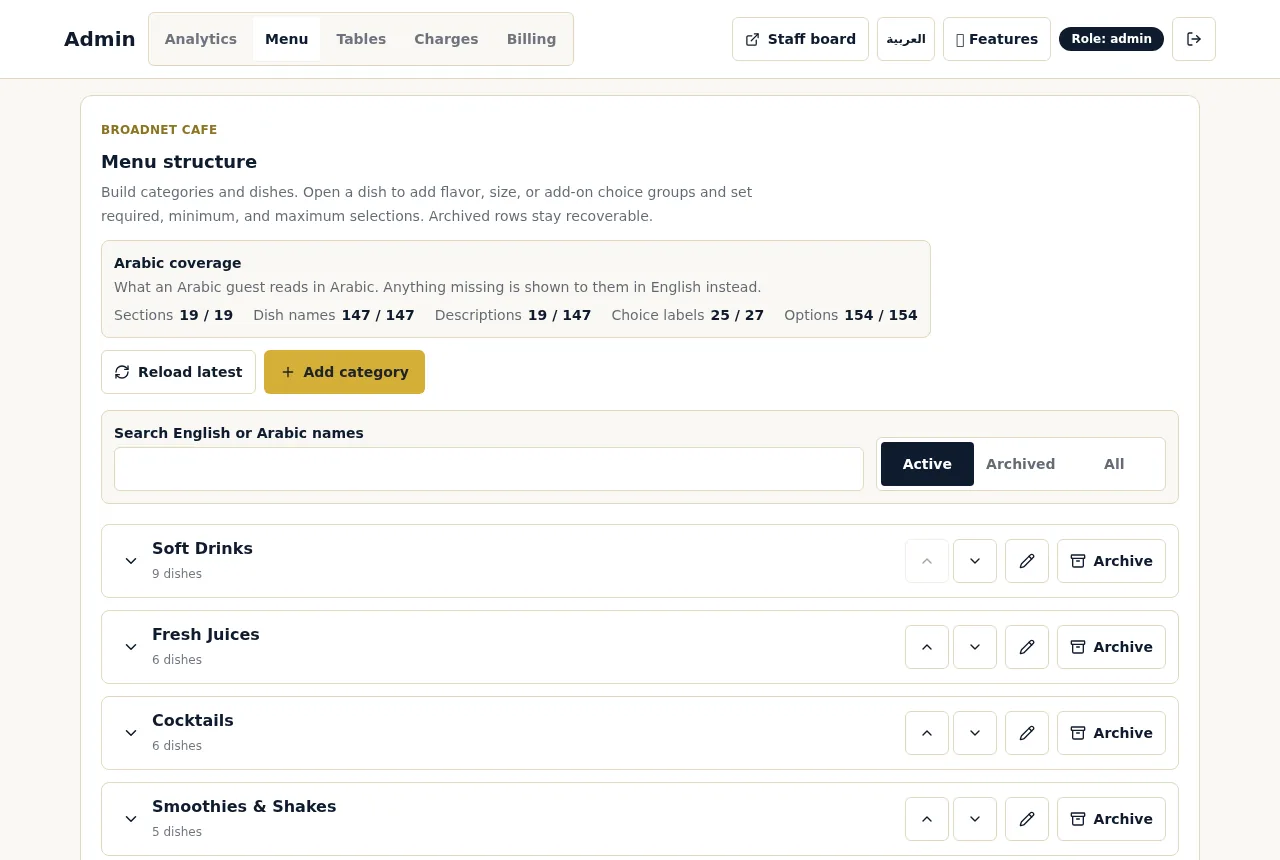
Short answer: one screen and three jobs per role, plus the allergy rule for everyone. With WaiterPilot, the screens run on staff phones or tablets as tabs on the same board.
| Role | Screen | Their three jobs | The one thing never to do |
|---|---|---|---|
| Confirmer (host, manager or lead server) | Main board: Awaiting staff, In kitchen, Served | Read notes and Confirm first orders; Reject an order that looks wrong; close tables when parties leave | Confirm an order with an allergy note without a person going to the table |
| Kitchen (the pass or head cook) | Kitchen screen: dishes, choices and notes, no prices | Cook from the ticket; stop on any allergy note; mark a dish Out of stock if it runs out after ordering | Guess at a note in a language nobody reads |
| Floor (servers) | Floor screen: waiter calls and check requests | Go to the table and tap Ack; bring the card machine when the check says card; mark Served | Leave a call unanswered because “it’s not my section” |
| Manager | Owner’s phone and analytics | Mark dishes sold out; cover the confirmer on breaks; read the night’s numbers | Leave tonight’s sold-out dishes on the menu |
One rule needs extra time: close the table. The first order at each table waits for a staff member to Confirm. After that, new orders from that table go straight to the kitchen until staff close the table. A table left open means the next party’s first order skips the person.
The 30-minute pre-shift script
Short answer: three minutes of why, then 27 minutes of doing. Set up one test table before you start. Everyone brings a phone.
| Minutes | Topic | The trainer says or does | Everyone does |
|---|---|---|---|
| 0 to 3 | What changes and what doesn’t | “Guests can order and call us from their phones. We still carry food, take payment and decide on allergies. The printed menu stays.” | Listens |
| 3 to 10 | One order, start to finish | Puts the main board where everyone can see it | Scans the test table’s QR code (the menu opens in the browser, no app), asks the chat a menu question, orders a dish with a choice, taps Confirm |
| Confirms one order on the main board | Watches their phone change from Awaiting staff to In kitchen | ||
| Shows the kitchen screen | Finds their own dish and choice on it | ||
| Taps Served | Sees the change on their phone | ||
| 10 to 14 | The first-order rule and closing tables | Orders a second round from the same table: it skips Awaiting staff. Closes the table. Orders again: it waits. | Says back the rule: “close the table when they leave” |
| 14 to 19 | Exceptions | Rejects an order. Marks a dish Out of stock in the kitchen and shows it leaving the bill. | One person cancels their own order while it’s awaiting staff. The manager marks a dish sold out and someone asks the chat for it. |
| 19 to 23 | Calls and the check | Shows the floor screen | One person calls a waiter (“Wants a waiter” appears); a server taps Ack. Another asks for the check and chooses card. |
| Opens the live bill: tax and service charge, split evenly or just my share | Says back: “the app takes no payment; we bring the card machine” | ||
| 23 to 27 | The allergy rule and notes | “The chat answers from our menu and tells guests to confirm with us. It never says a dish is safe, and it doesn’t alert us. Any allergy mention: a person goes to the table.” | One person orders with a note in another language. The kitchen sees it untranslated. Agree who reads such notes. |
| 27 to 30 | Colours, roles, fallback | “Waiting orders and calls change colour at 1, 5 and 10 minutes.” Names the confirmer, backup and kitchen decider for tonight. “If the connection drops, we take orders from the printed menu.” | Asks questions. Trainer closes the test table. |
Two notes for the trainer. Use dishes the kitchen won’t actually cook, or tell the kitchen it’s a drill. And let people make mistakes on the test table: a wrong Reject in training is cheaper than one at 8 pm.
What should staff say to guests?
Short answer: that ordering by phone is optional, and that a person is there whenever they want one. Give servers these lines so nobody improvises a sales pitch.
| Situation | What to say |
|---|---|
| Seating a table | “You can order from your phone with the code on the table whenever you’re ready, or I’m happy to take your order.” |
| “Do I have to use my phone?” | “Not at all. I’ll take your order.” |
| “Is there an app?” | “No app. The code opens the menu in your browser.” |
| A guest who doesn’t speak your language | “You can write to it in your language.” Point to the QR code. |
| An allergy question | “Let me check with the kitchen.” Then go. |
| “Can I pay on my phone?” | “You can see the bill and split it on your phone. I’ll bring the card machine.” |
| A sold-out dish | “Sorry, we’ve just run out of that. Can I suggest the …?” |
Keep the printed menu on every table. Some guests will never scan, and the training should make clear that’s fine.
How do you train someone who joins next week?
Short answer: a buddy shift, the 10-minute version of the script, and the printed staff guide.
- The 10-minute version. Minutes 3 to 10 (one order), 10 to 14 (closing tables) and 23 to 27 (allergies) from the script. Skip the rest; they’ll see it on shift.
- A buddy for one shift. Put them on the floor screen next to an experienced server, not on the confirmer’s job.
- The staff guide. WaiterPilot’s owner admin prints a staff guide alongside the QR cards. Keep a copy at the pass.
- The confirmer job comes last. Give it to someone only after they’ve worked a full busy shift.
Staff training is part of WaiterPilot’s free setup, so the first session can be run by our team. The script above is how to keep it running after.
How do you know the training worked?
Short answer: watch the first week’s numbers and ask six questions.
The owner’s analytics show how long staff take to confirm orders, how long the kitchen takes to serve and how long calls wait for an answer. If confirm times are long on one shift, the confirmer needs a backup. If calls wait, the floor screen isn’t being watched. On the board, any ticket or call that has passed its 5- or 10-minute colour change is a training point for the next pre-shift.
Then ask anyone on shift these six questions. If they can answer all six, they’re trained:
- Which order at a table needs a person to confirm it?
- When do you close a table, and why?
- A guest mentions an allergy in the chat. What happens next?
- A dish runs out after it’s been ordered. What do you tap, and what do you tell the guest?
- The check request says card. What do you bring?
- A note arrives in a language you can’t read. What do you do?
What to do next
Book the pre-shift before your first live service and print the script. To see the screens your team will learn, read how it works or try a sample order. The onboarding checklist covers the rest of the setup, our two-week setup plan shows where training fits, and the rush-hour playbook is the next thing to teach once the basics stick.
Questions readers ask
How long does it take to train staff on a QR ordering board?
About 30 minutes before a shift, if everyone does it on their own phone instead of watching a demo. With WaiterPilot, staff training is part of the free setup, and a printable staff guide stays behind for new hires.
Who needs to be trained?
Everyone on the shift, but not on everything. The confirmer learns the main board, the kitchen learns the kitchen screen, servers learn the floor screen, and everyone learns the allergy rule.
What's the most common mistake in the first week?
Forgetting to close tables. Until staff close a table, new orders from it go straight to the kitchen without a staff check, so the next party skips the first-order check.
What should servers tell guests about ordering by phone?
That it's optional. Guests can order from their phone whenever they're ready, or from a server as usual. The printed menu stays on the table.
How do I train someone who joins next week?
Pair them with an experienced colleague for one shift, run the 10-minute version of the script before service, and give them the printed staff guide.
Sources
- JOLTS Table 22. Annual average quits rates by industry and region, US Bureau of Labor Statistics, 2025 annual averages (checked 2026-10-15)
- Restaurant Employee Demographics (data brief, Census ACS 2024 data), National Restaurant Association, 2026-03 (checked 2026-10-15)